Ship a production app in days.
Own the source forever.
For the React dev or agency shipping client work on a deadline: a finished auth, Stripe checkout or booking app — full source, self-hosted, from $149.
Instant access · full source · lifetime updates · self-hosted · Go or Node · MUI + Tailwind
Built with
React 19
TypeScript
Go
Node
Postgres
MongoDB
Stripe
Finished apps. Pick one, own it.
Each kit is a production application on the same architecture — learn one, you know them all. Full source, one-time, self-hosted. Here is exactly what each does, and the price.
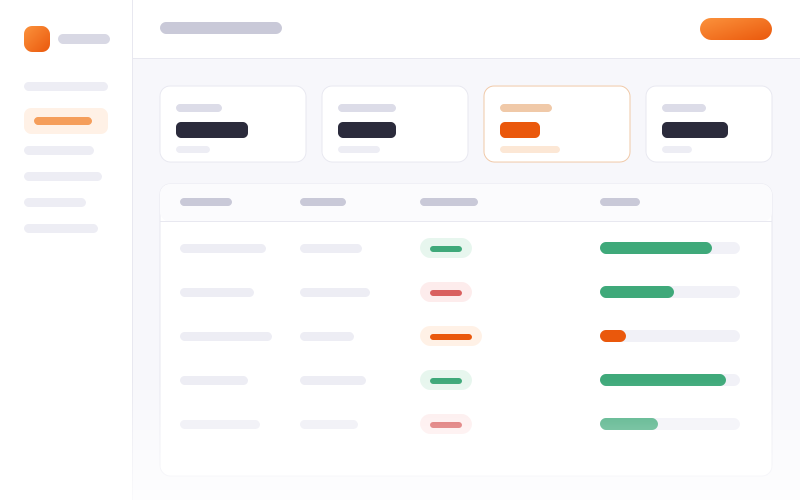
Inventory Kit
from
$699
Node or Go · Developer · Team · Extended
Stock as a ledger — movements with a reason, reservation inside the order transaction, purchase orders through to goods-in.
Stock ledger: in / out / adjust / reserve
Reservation inside the order transaction
Multi-location with transfers
Purchase orders → goods-in receiving
Reorder thresholds + low-stock alerts
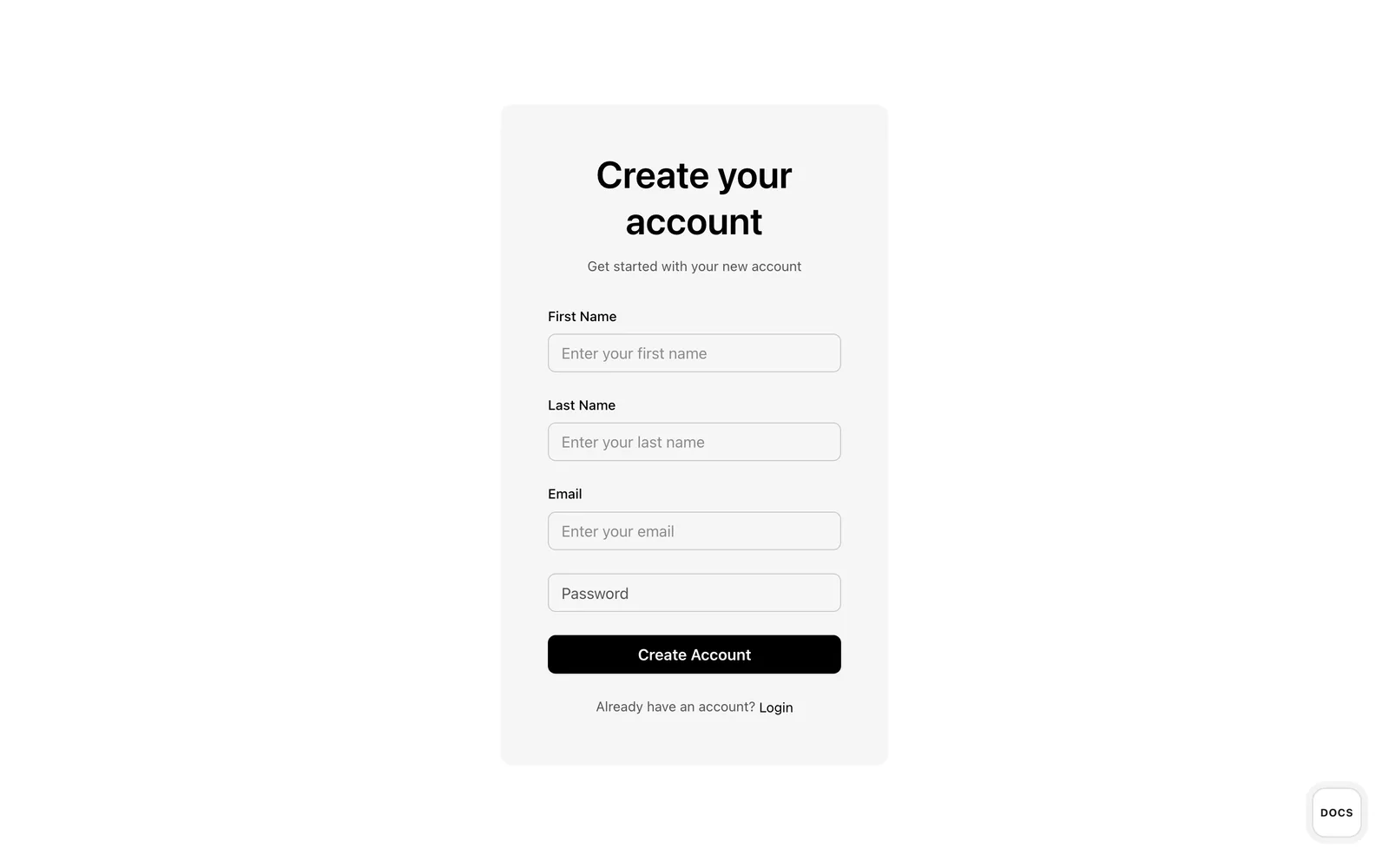
Registration Kit
from
$149
Node · Developer · Team · Extended
The auth layer as a standalone kit — OTP signup, TOTP 2FA, password reset and JWT sessions for any React app. Node + MUI.
OTP registration + email verification
Login with TOTP 2FA and backup codes
Forgot / reset password flow
JWT sessions + profile management
Mock mode: build the frontend with no backend
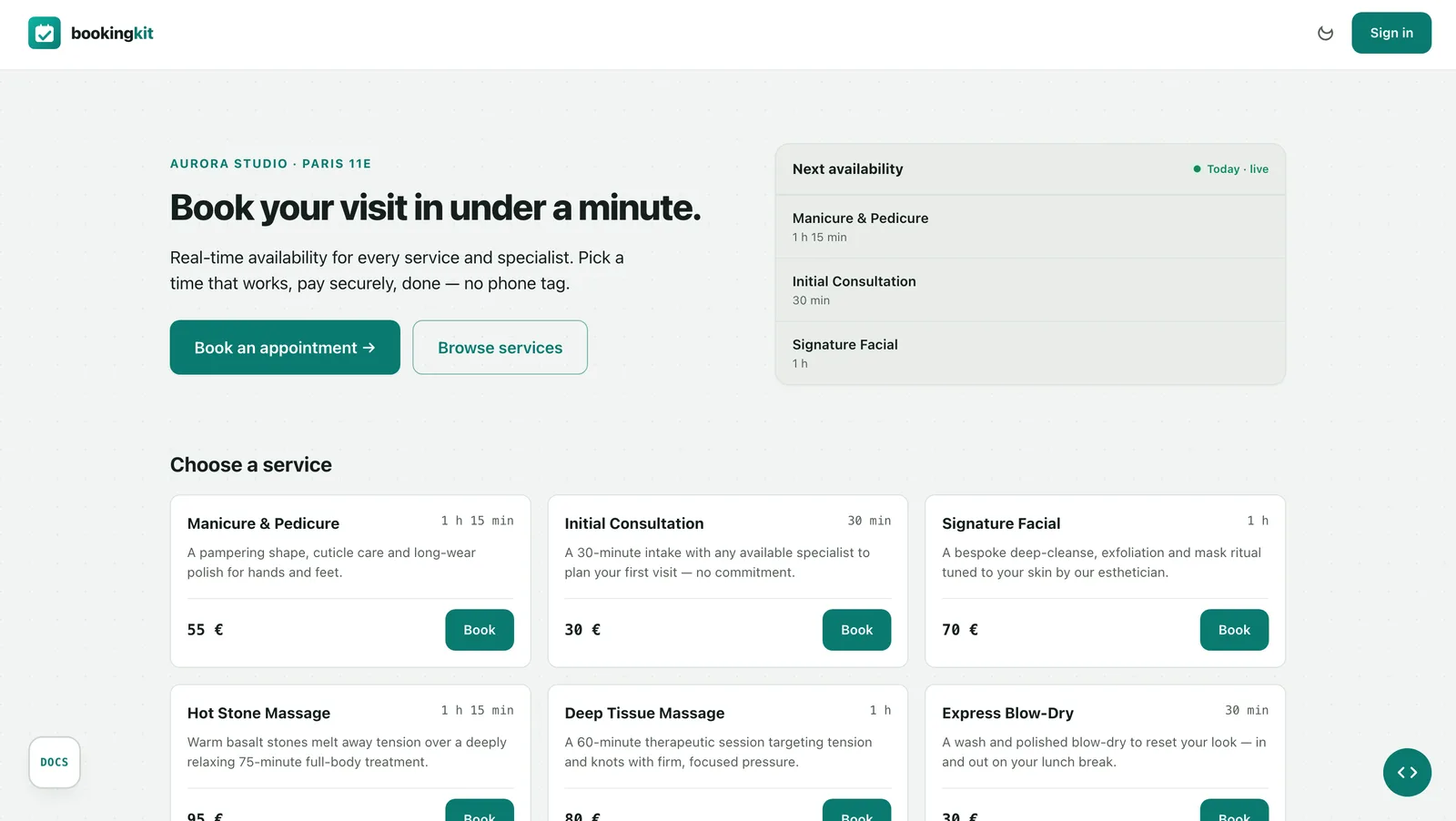
Booking Kit
from
$199
Node or Go · Developer · Team · Extended
Appointments with a timezone-correct availability engine, specialist picker, and Stripe pay-on-booking.
DST-correct availability engine
Specialist-picker booking funnel
Stripe pay-on-booking + webhooks
Per-staff agenda + reassignment
Field-level RBAC, 4 roles
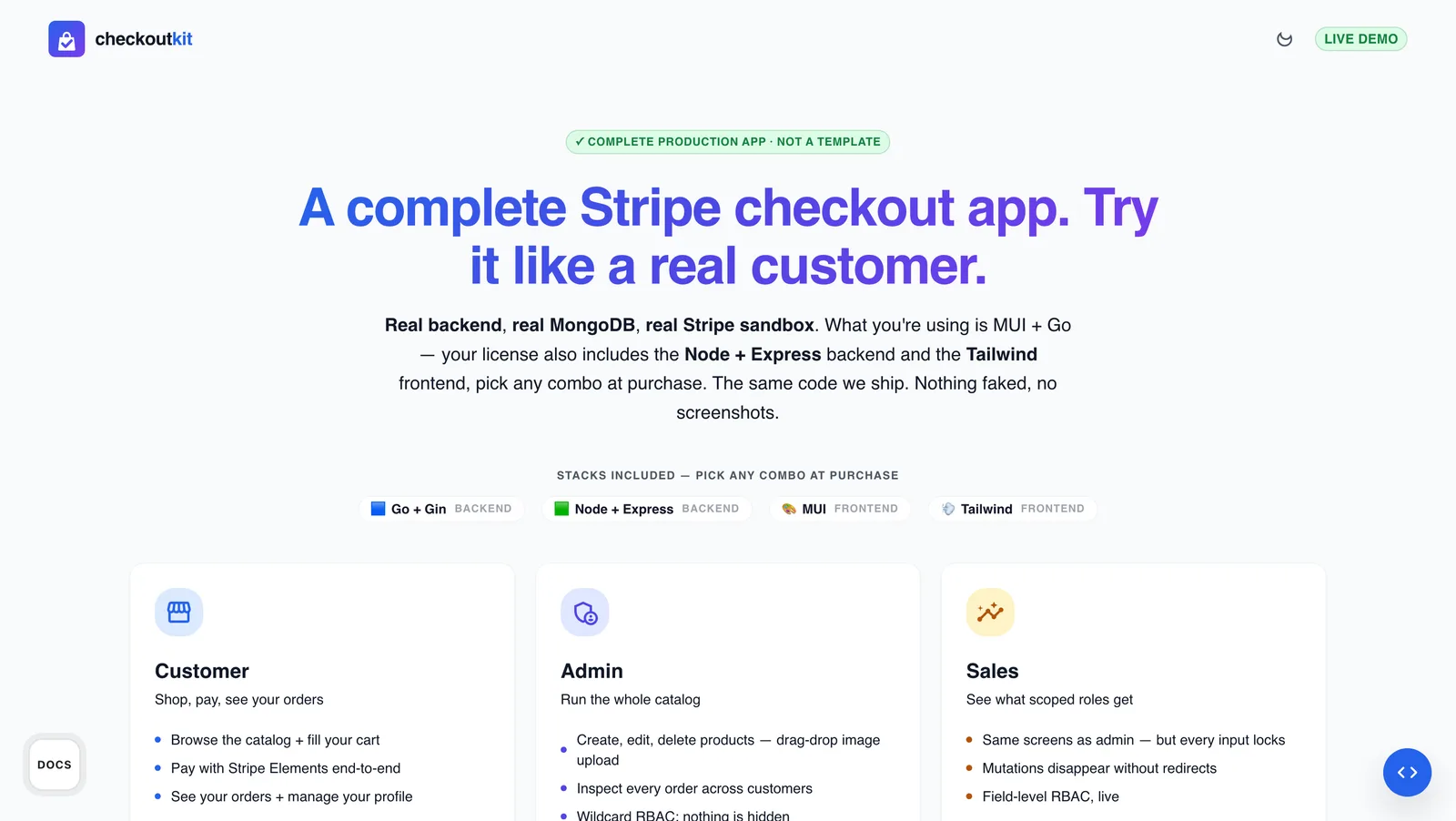
Checkout Kit
from
$299
Node or Go · Developer · Team · Extended
A Stripe checkout with product catalog, persistent cart, orders, and an admin dashboard.
Product catalog with S3 images
Server-side persistent cart
Stripe SCA checkout + webhooks
Order management + customer history
Admin dashboard: revenue, top products
Each kit is priced by backend edition and usage tier — open a kit to pick yours and see the exact price.
The hard weeks, already done.
Every kit ships the parts that cost real time and are easy to get wrong — built, tested and ready to drop into your domain. This is what you are not doing.
What it takes
Before a single feature you decide the whole shape of the app: how the backend, the two frontends and the shared layer fit; how routing, forms, state and theming are wired; how it stays testable as it grows. Guess wrong and you refactor for weeks.
Already built, tested — yours
A decided architecture — backend + MUI and Tailwind frontends on one shared contract
Routing, forms, HTTP orchestration and theming already wired
A layout you extend, not assemble — swap the theme or extract a module without unpicking the app
TypeScript end to end, structured to stay testable
From scratch this is weeks of senior work per app — here it's already done and tested.
See everything before you pay.
The demo is the real app.
Every live demo runs the exact source you receive, and each kit ships its full documentation — readable right now, no login. And because the source ships the instant you pay, there is no refund window: nothing to un-deliver, and nothing hidden to refund.
Read the live Checkout Kit docsDocumentation
Every kit ships a complete handbook — and it is live inside the demo, readable right now, no login and no purchase.
Installation & .env — clone, copy the env, run — every variable explained
Project structure — how the backend, the two frontends and the shared bridge fit together
Frontend, ready to run — MUI or Tailwind — the same app, documented screen by screen
RBAC engine — roles, resources and field-level rules, with real examples
Buy a kit if…
You want auth, payments or booking done right, not rebuilt from scratch
You want to own and self-host the source — no per-seat SaaS, no lock-in
You extend a real codebase faster than you would scaffold a new one
You need two backends (Node or Go) and two frontends (MUI or Tailwind) covered
Skip it if…
You want a managed, hosted service with an SLA — this is source you run yourself
Your stack isn't React + Node/Go + MongoDB
You want the app built and customized for you, not source you extend
You need it free — this is paid, production source
Clone, install, run — you start with an application.
Pick a backend, pick a frontend, run one install command. Everything is already built, wired and documented — you extend it, you don't assemble it.
Backend
Choose Node or Go
Authentication — complete registration, login and sessions, out of the box
Payments — full Stripe integration — webhooks included
MongoDB — schemas and models already wired
Scale — extract any slice and mount it on your own web-service domain
Typed interfaces — every DTO shape already defined
Frontend
MUI + Tailwind, both included
MUI distribution — a production-ready Material UI app
Tailwind distribution — the same app, utility-first
Mock mode — build the whole UI with no backend running
HTTP orchestration — a provider layer you extend with your own domain
Wired to the backend — talks to the delivered API out of the box
Setup
Running in minutes
One command — install and you are running — no wizard, no config marathon
.env configuration — copy, fill, run — nothing hidden
Seed included — a realistic dataset on first boot
Deploy configs — nginx, systemd and CI in the box
Ready for production — not a demo you have to harden first
Complete authentication, frontend to stored data.
The real pain — already solved.
Not a login screen and an SDK to wire. Real, complete auth flows — registration, login and two-factor — from the frontend form to the database record, error paths included. This is the Registration Kit; login also ships inside Booking and Checkout.
auth · registration.flow
animatedCreate
Verify email
Complete
Error path
Real money movement,
not a Stripe button.
Most kits drop in a Stripe Checkout button and stop there. Ours ships the full server-side flow — PaymentIntent, SCA / 3-D Secure, signed idempotent webhooks and an order state machine. This is the Checkout Kit; Booking adds pay-on-booking on the same engine.
payments · cart.flow
animatedAdd to cart
Server
Synced
Out of stock
Permissions aren't a route guard.
They live in every field.
One access rule per field. The component reads it and shows, locks or hides itself — and the same rule is enforced on the backend, so the API rejects what the UI hides. Switch the role and watch the form change.
EmployeeForm.tsx
write once<RbacProvider policy={policy} subject={user}> <DashForm onSubmit={save}> <TextField name="name" /> <TextField name="salary" access={{ resource: "salary", action: "read", onUnauthorized: "readonly" }} /> <Select name="role" access={{ resource: "role", action: "manage", onUnauthorized: "hide" }} /> </DashForm> </RbacProvider>
No if (role === …) scattered across the UI. The rule travels with the field.
preview · role:
2 read-only · 1 hidden
Employee profile
Full name
editableJane Cooper
Department
editableEngineering
Salary
read-only$142,000
Tax ID
hidden████████ hidden for Manager
Access role
read-onlyManager
editable = access granted · read-only = onUnauthorized: 'readonly' · hidden = onUnauthorized: 'hide'
Same component, same code — only Manager's rules applied. The backend applies them again on save.
Field-level RBAC ships in Booking Kit & Checkout Kit →
Timezones and DST break booking apps.
Not this one.
Open slots are computed by a pure, timezone-correct function — unit-tested against DST boundaries. Bookings are stored in UTC and rendered in the business timezone, so a spring-forward or fall-back day never produces a phantom or missing slot. Flip the switch below.
availability-engine.ts
pure functionimport { computeSlots } from '@/lib/availability-engine'; const slots = computeSlots({ availability, // { timezone, weekly, exceptions } date: "2026-03-29", // read in the business tz durationMinutes: 30, stepMinutes: 15, now, existingBookings, // conflict-checked }); // → Slot[] as UTC instants — DST-correct
No DB, no clock reads inside — everything is injected, so it's unit-tested against every DST edge. luxon on Node, the time package on Go — same slots, both backends.
day:
Sun 29 Mar 2026 · Europe/Rome — clocks jump 02:00 → 03:00
Naive · start + n×30m
01:00
01:30
02:00
doesn't exist
02:30
doesn't exist
03:00
03:30
computeSlots() · luxon
01:00
01:30
02:00–02:59 · skipped (DST)
03:00
03:30
The naive loop offers 02:30 — a time that doesn't exist on the clock. computeSlots builds the window in the business timezone, so the phantom hour never appears.
An AI gives you a demo. This gives you the app.
Scaffolding a login is easy. The engine, the payments, the access rules and the deploy are the real work — and they are done.
A boilerplate / an AI prototype
One framework, one UI
RBAC bolted on later, page by page
A demo you must make production-ready
No Go, no self-host story
A Dashforge-UI kit
One schema, your stack — pick Go or Node
Field-level RBAC from the backend
Deploy configs, self-host today
Both MUI + Tailwind frontends, full source
Choose your kit.
Try the live app, then open the kit to pick your backend edition and tier.
Price varies by backend edition and usage tier — the exact price is on each kit.
Need a vertical solution? We can be your accelerator.
Beyond the kits, we build the vertical your product needs — new domains, custom flows, integrations with your stack. Senior work on your codebase, scoped to exactly what you need. Tell us where you want to go.
Yes — that is what it is for. You ship real client and commercial apps with it; the license you pick simply defines how many projects and people it covers.
You own the source and self-host it. Nothing phones home, there is no runtime dependency on us and no per-seat SaaS — it keeps working whether or not you ever buy again.
Production code: typed, tested, with deployment configs in the box. The live demo runs the exact source you receive — no separate, better version behind it.
Every file is readable and unobfuscated — no hidden build step, no compiled binary you cannot open. You extend it like your own codebase, no permission needed.
Updates are included, and confirmed bugs get fixed. Start with the documentation; if you are still stuck, reach out and you talk to the person who wrote the code.
Because the source ships instantly, there is no refund window — so you inspect everything first. Run the live demo and read the full docs before you pay: nothing is hidden, nothing is a surprise.
Inventory Kit — from $699, own the source